Web browser
The web browser is a software application that acts as your primary gateway to the internet. In simple words, a web browser is a software application or “app” on your computer or phone that lets you visit websites.
- User Interface (UI
- Browser Engine
- Rendering Engine
- Networking
- JavaScript Interpreter
- Data Storage
Functions of a Web Browser
- Sends requests to web servers using the HTTP or HTTPS protocol.
- Interprets HTML, CSS and JavaScript and displays the web page.
- Lets the user move between pages using hyperlinks.
- Stores bookmarks, history and cookies.
- Downloads files and supports plug-ins and extensions.
Parts of a Browser Window
- Address bar: where the URL is typed.
- Navigation buttons: Back, Forward, Reload and Home.
- Tabs: open several pages in one window.
- Bookmarks bar: quick links to saved pages.
- Status bar / page area: shows the loaded page.
Popular Web Browsers
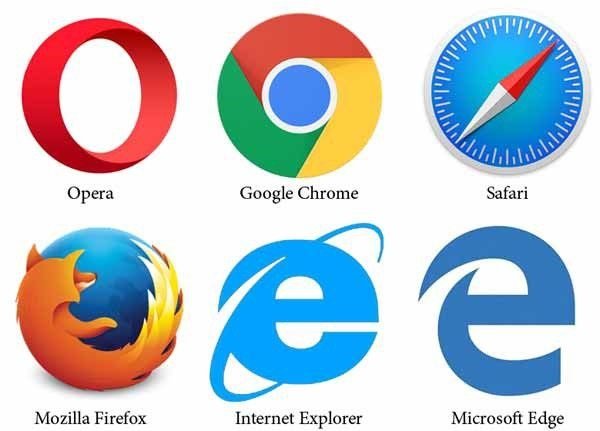
Google Chrome, Mozilla Firefox, Microsoft Edge, Safari and Opera are commonly used browsers. The first graphical browser to become popular was Mosaic (1993).
Browser vs Search Engine
A browser is software installed on the computer to open web pages. A search engine (like Google or Bing) is a website that you open inside a browser to find information.
Important Questions
Q. What is a web browser? Name any two.
Ans. A web browser is application software used to access and display web pages on the World Wide Web. Examples: Google Chrome and Mozilla Firefox.
Q. What is a URL?
Ans. URL (Uniform Resource Locator) is the complete address of a web page, for example https://www.computermafia.com.
Q. Differentiate between a web browser and a search engine.
Ans. A browser is software used to view web pages, while a search engine is a website used to search for information on the web.