Web Browser
A Web Browser is a software application used to access, view, and navigate websites on the Internet.
Functions of a Web Browser
- Opens websites.
- Displays text, images, audio, and videos.
- Downloads files.
- Saves bookmarks.
- Stores browsing history.
- Supports secure browsing.
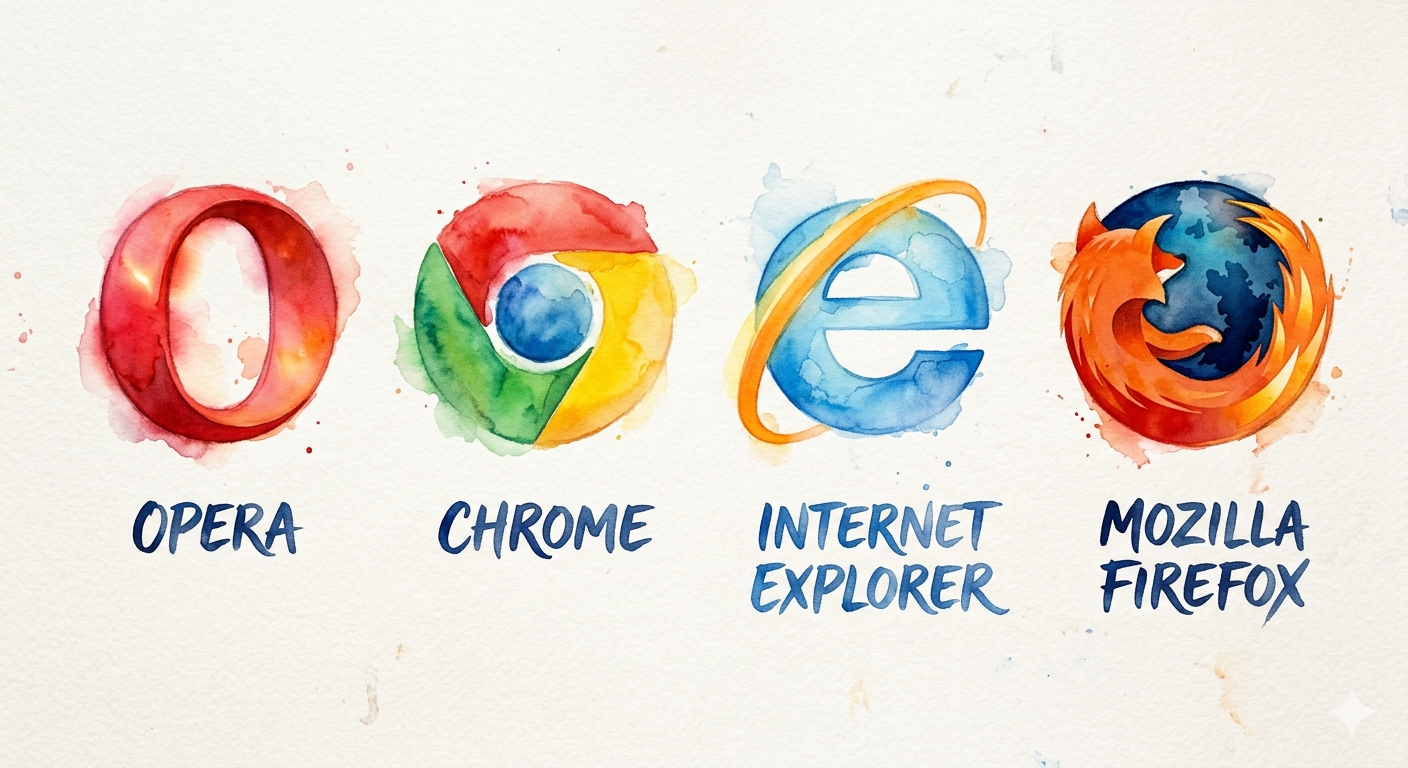
Types of Web Browsers
1. Internet Explorer
- Developed by Microsoft.
- One of the earliest popular web browsers.
- Mostly replaced by Microsoft Edge.
Advantages
- Easy to use.
- Supported many older websites.
- Integrated with Windows.
Disadvantages
- Slower than modern browsers.
- Limited support for new web technologies.
- No longer actively developed.
2. Google Chrome
- Developed by Google.
- One of the most popular web browsers worldwide.
Advantages
- Very fast browsing.
- Simple and user-friendly interface.
- Large collection of extensions.
- Automatic updates.
- Strong synchronization across devices.
Disadvantages
- Uses more RAM.
- Can consume significant battery power on laptops.
3. Opera
- Developed by Opera Software.
- Includes several built-in features for convenience.
Advantages
- Fast browsing.
- Built-in ad blocker.
- Built-in VPN.
- Battery-saving mode.
Disadvantages
- Smaller extension library.
- Less widely used than Chrome or Firefox.
4. Mozilla Firefox
- Developed by the Mozilla Foundation.
- Known for its focus on privacy and open-source development.
Advantages
- Strong privacy protection.
- Highly customizable.
- Supports many extensions.
- Open-source software.
Disadvantages
- May use more memory with many tabs.
- Some websites are optimized primarily for Chromium-based browsers.