Basic Windows Accessories
What are Windows Accessories?
Windows Accessories are small utility programs included with Microsoft Windows. They help users perform everyday tasks such as writing notes, drawing pictures, performing calculations, and managing system settings.
1. Notepad
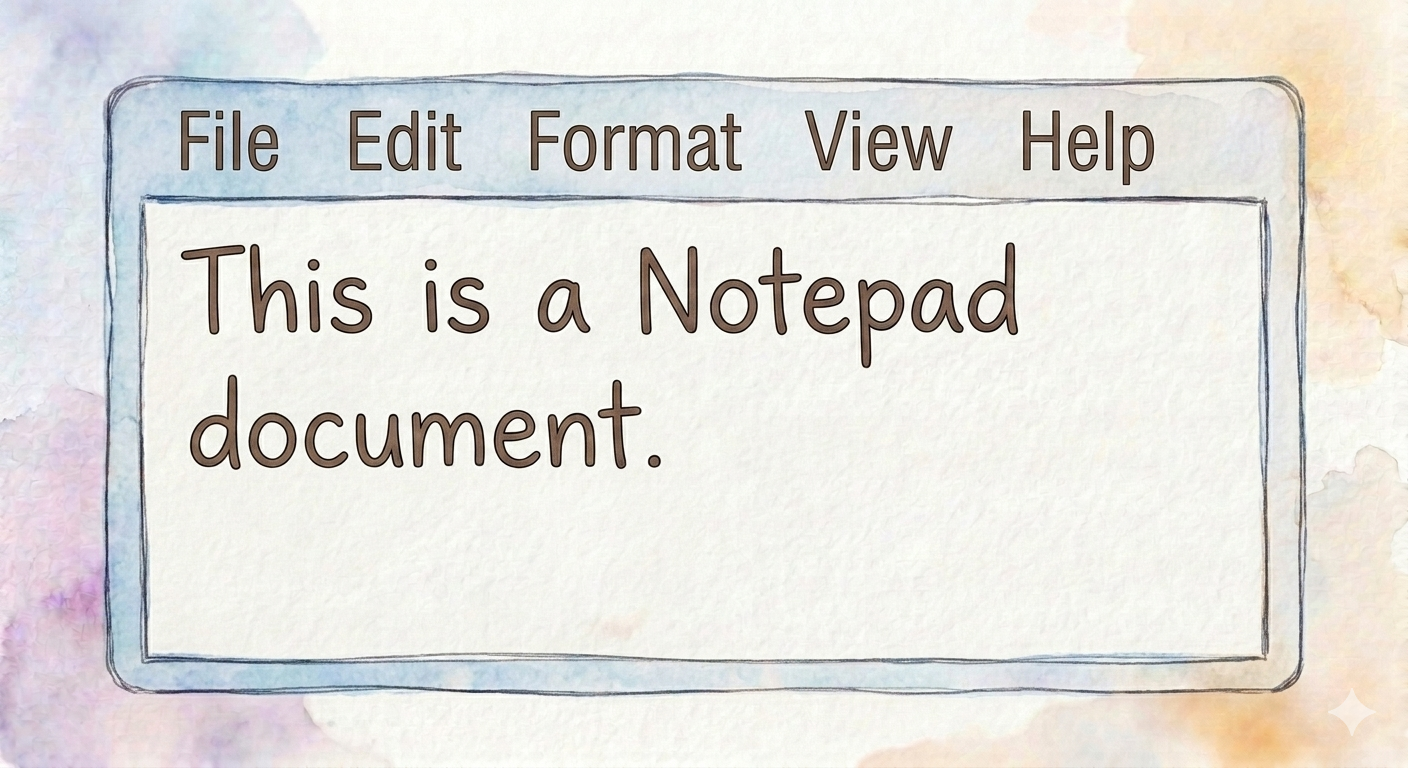
What is Notepad?
Notepad is a simple text editor used to create and edit plain text files. It does not support advanced formatting like fonts, colors, or tables.
Uses
- Writing notes
- Creating text files (.txt)
- Editing source code
- Writing simple documents
Advantages
- Lightweight and fast
- Easy to use
- Opens quickly
- Useful for programming
Disadvantages
- No text formatting
- Cannot insert images or tables
- Limited editing features
2. WordPad
What is WordPad?
WordPad is a basic word processing application. It supports formatted text, different fonts, pictures, and simple document editing.
Uses
- Writing letters
- Creating reports
- Editing formatted documents
Advantages
- Supports text formatting
- Easy to use
- Can insert pictures
- Better than Notepad for documents
Disadvantages
- Limited features compared to MS Word
- No advanced page layout tools
3. Paint
What is Paint?
Microsoft Paint is a graphics editor used for creating and editing simple drawings and images.
Uses
- Drawing pictures
- Coloring images
- Editing photos
- Creating diagrams
Advantages
- Simple interface
- Easy drawing tools
- Good for beginners
- Free with Windows
Disadvantages
- Limited editing features
- Not suitable for professional graphic design
4. Calculator
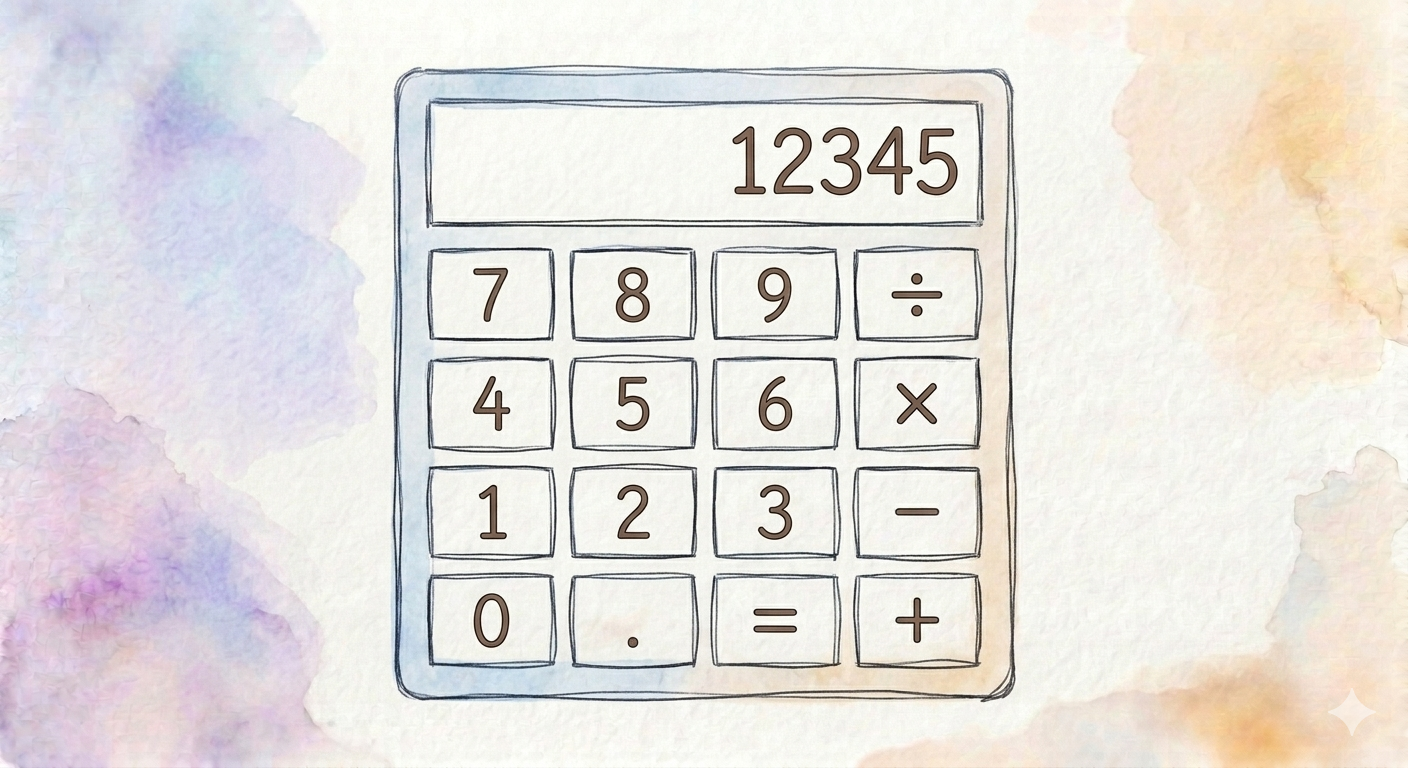
What is Calculator?
The Calculator is a utility program used for mathematical calculations.
Types
- Standard
- Scientific
- Programmer
- Date Calculation
Uses
- Basic arithmetic
- Scientific calculations
- Percentage calculations
Advantages
- Fast calculations
- Accurate results
- Easy to use
- Multiple calculator modes
Disadvantages
- Limited to mathematical tasks
- Cannot solve complex problems automatically
5. Documents Folder
What is Documents?
The Documents folder stores personal files such as letters, reports, assignments, and other documents.
Advantages
- Organizes documents
- Easy to locate files
- Automatic saving by many applications
Disadvantages
- Files may be lost if accidentally deleted
- Needs regular backup
6. Music Folder
What is Music Folder?
The Music folder stores audio files such as songs, recordings, and podcasts.
Advantages
- Organizes audio files
- Easy playback
- Supports multiple formats
Disadvantages
- Large music libraries require storage space
- Audio quality depends on file format
7. Pictures Folder
What is Pictures Folder?
The Pictures folder stores photographs, screenshots, and image files.
Advantages
- Organizes photos
- Easy image viewing
- Supports photo editing applications
Disadvantages
- High-resolution images occupy more storage
- Accidental deletion may cause data loss
8. Control Panel
What is Control Panel?
The Control Panel is a Windows utility used to configure and manage computer settings.
Uses
- Change date and time
- Install or remove programs
- Manage devices
- User account management
- Network settings
Advantages
- Central location for system settings
- Easy hardware management
- Improves system control
Disadvantages
- Incorrect settings may affect system performance
- Some options require administrator privileges